Product changelog

What's new

Everything we ship for MyPlots hosts — new features, improvements, and fixes, newest first.

  • improved

One Marketplace for gear, services, and tickets

The Marketplace is now one feed. Gear, services, and tickets other fans are reselling show up together, and Tickets is a filter next to Lighting, DJ, Speakers, Security, Staging, and Other instead of a separate tab.

Search, dates, and Near me work on everything: dates show gear that is free for your window and tickets for events inside it, and Near me sorts by distance to you. Tickets for events happening in the next week float to the top.

You can message a lister from any gear listing, even if you are not friends yet. Booking a rental picks up in the same chat.

  • new
  • improved

One dashboard for everything you sell

Everyone who sells on MyPlots now manages it from one dashboard. Hosting events, listing gear, and reselling tickets all live in the same place.

If you sell as yourself, choose Continue as [your name] when you sign in. That gives you a personal workspace for your own sales. It does not count toward the organization limit.

Set up payouts once in Settings > Payments. That unlocks resale and gear earnings. Selling tickets still needs the host application.

Money MyPlots is holding for you (escrow) shows on the Account page on web, and under Finance > Escrow in the mobile app. Manage your gear and the tickets you are reselling at Dashboard > Listings.

  • new

A home page for your team

A home page for your team

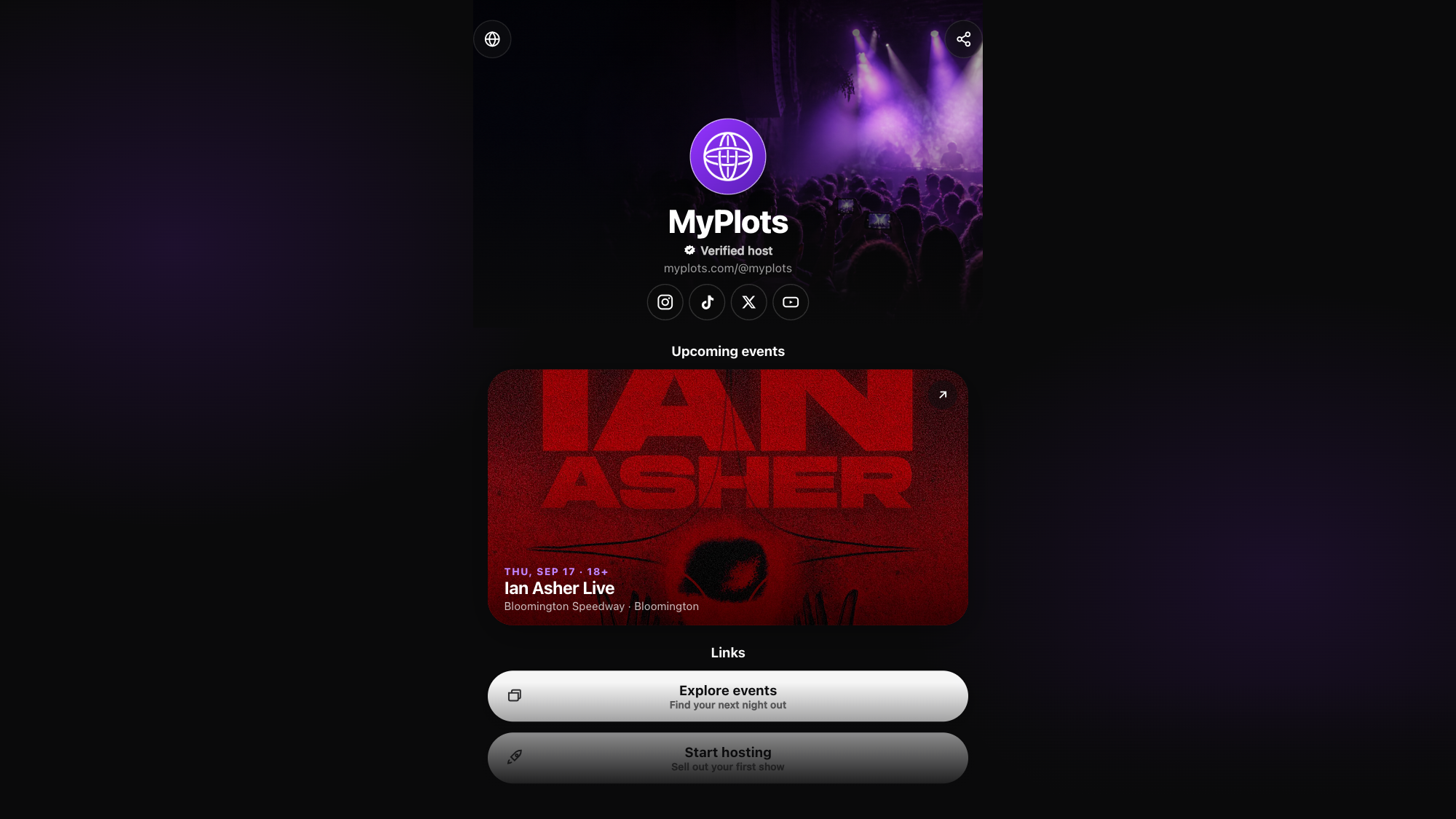
Your team now has its own home on MyPlots: a page that works like a link tree for your events.

Open Marketing, then Page, to build it. Add blocks for upcoming events, links, socials, photos, video, and merch. Your events feed stays up to date on its own.

Style it with a theme, your logo and banner, and a share card for social posts. Every page lives at myplots.com/@yourslug, and drafts stay private until you hit Publish.

The Audience tab builds your email list and shows views and clicks. Want your own domain with no MyPlots marks? Turn on Page Pro under Domain & branding.

  • new

A new way to see what is new

MyPlots now has a changelog. It is a simple list of new tools and updates.

When there is a new post, hosts will see a What's new window in the dashboard. You can also open the full changelog at any time.

The same updates are in the MyPlots mobile app. Once you read them on one device, MyPlots will remember that for your account.

  • new
  • improved

Text message tools are easier to use

Your text message tools now live in one place. Open Marketing, then choose Messaging.

Before you send, MyPlots tells you how many texts you will use. You can also see:

  • Your free texts for the month
  • Any extra cost
  • How many people got each text
  • How many new people you reached

Each team gets free texts every month. The team owner can turn on billing and set a spending limit. Other team members can still see use and results.

  • improved

Merch tools got a big upgrade

Making merch is now faster and easier.

Each product has its own page. You can see a large preview, change the name and details, pick colors and sizes, and set prices in one place.

You can also move and resize your art before you save. New products start as active, so they are ready to sell right away.

Need a fresh look? Use Refresh previews to make new product images.